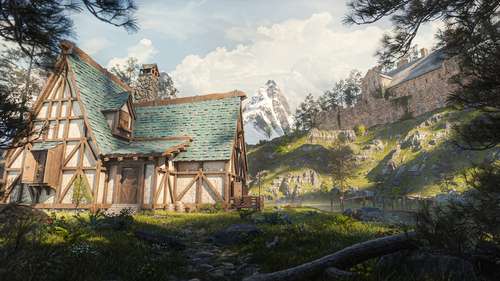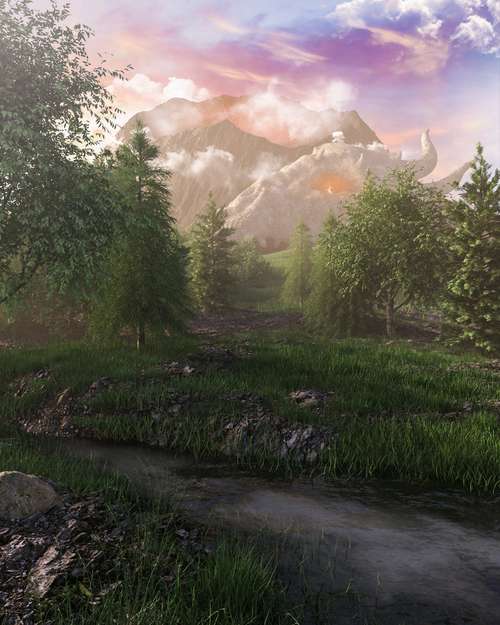
The wait is finally over. After years of anticipation, cancellations, and a miraculous revival, Hytale officially enters Early Access today, January 13, 2026. For the millions of fans who have followed Hypixel Studios' journey from a Minecraft mod team to an independent powerhouse, this is a historic moment. Whether you are looking to secure a rare username or simply want to dive into the procedurally generated world of Orbis, time is of the essence. This comprehensive Hytale Early Access guide covers everything you need to know to get started immediately, including the confirmed global launch schedule, how to navigate the independent launcher, and critical tips for the competitive username reservation system.
Global Hytale Launch Times: When Can You Play?
Hypixel Studios has confirmed a simultaneous global rollout for the Early Access build. Unlike rolling regional releases, the servers for Hytale open at the same moment for everyone to ensure fairness in the land rush for server spots and usernames. Make sure you convert these times to your local zone to avoid missing the start window:
- North America (West): 7:00 AM PST
- North America (East): 10:00 AM EST
- United Kingdom: 3:00 PM GMT
- Europe (Central): 4:00 PM CET
- Australia (East): 2:00 AM AEDT (January 14)
- Japan: 12:00 AM JST (January 14)
Due to the anticipated server load, the developers have advised players to keep the launcher open and updated prior to these times. If you encounter a "Greyed Out" play button, a simple restart of the client usually forces a refresh of the authentication servers.
How to Download the Hytale Launcher in 2026
One of the most important pieces of information for today's launch is that Hytale is NOT available on Steam or the Epic Games Store. Following the studio's return to independence in late 2025, the game is exclusively distributed through their proprietary client. This move allows the team to deploy patches faster without third-party certification delays, which is crucial for this specific "legacy engine" build.
Step-by-Step Installation Guide
Follow these steps to ensure you have the correct files:
- Navigate to the official Hytale website (hytale.com) and log in to your account.
- Go to the "Game Profiles" section of your dashboard.
- Click the Download Hytale Launcher button. The site will automatically detect your OS (Windows, macOS, or Linux).
- Run the installer (approx. 150MB) and let it update to the latest version (Launch Build v1.0.4).
- Once installed, log in with your credentials. The full game download is approximately 8GB initially, but will grow as you generate more of the world.
Mastering Hytale Username Reservation
For many players, securing a unique identity is just as important as the gameplay itself. The Hytale username reservation system is strictly first-come, first-served and is tied directly to your Game Profile. Because names are unique across the entire global database, common names like "Shadow," "Builder," or "Alex" will likely disappear within seconds of the servers going live.
Crucial Reservation Tips:
- Pre-load your profile: Have the name change window open on your account dashboard 5 minutes before launch.
- Check requirements: Usernames must be 3-16 characters long and can only contain alphanumeric characters (A-Z, 0-9) and underscores. No spaces or special symbols are allowed.
- Have backups ready: If your desired name is taken, the system will reject the submission. Have a list of 2-3 variations ready (e.g., "KweebecFan" -> "Kweebec_Fan" -> "RealKweebecFan") to avoid wasting precious seconds thinking of a new one.
- One name per license: Remember that each game license (approx. $19.99) secures only one username. You cannot reserve multiple names on a single game copy.
Hytale System Requirements (Early Access)
Today's release is built on the revived "legacy engine" (C# and Java based), which means it is surprisingly optimized for a wide range of hardware compared to the canceled C++ rewrite. However, the voxel-based world is CPU-intensive. Before you buy, ensure your rig meets these confirmed specs.
Minimum Specs (1080p / 30 FPS)
- OS: Windows 10/11 (64-bit), macOS 12+, or modern Linux distro
- CPU: Intel Core i5-7500 / AMD Ryzen 3 1200
- RAM: 8GB (12GB required if using integrated graphics)
- GPU: NVIDIA GTX 960 / AMD Radeon RX 470
- Storage: 20GB available space (SSD highly recommended)
Recommended Specs (1080p / 60 FPS)
- CPU: Intel Core i5-10400 / AMD Ryzen 5 3600
- RAM: 16GB RAM
- GPU: NVIDIA GTX 1060 6GB / AMD Radeon RX 580
- Network: Broadband internet connection (essential for multiplayer)
Gameplay: What to Expect in Early Access
It is vital to manage expectations for today's release. This is a true Early Access title. Players will have access to Creative Mode and the survival-focused Exploration Mode (Zones 1-3). However, the full narrative "Adventure Mode" campaign and official Minigames are not yet enabled. The focus right now is on testing the core sandbox mechanics, the new combat system, and the modding tools. Expect bugs, report them diligently, and enjoy being part of the first wave of settlers in Orbis.