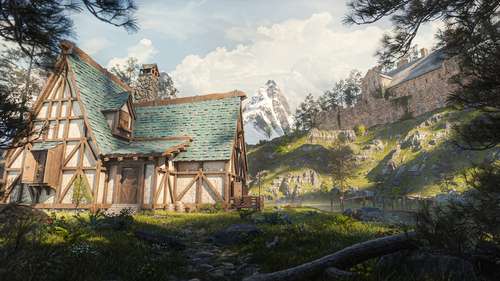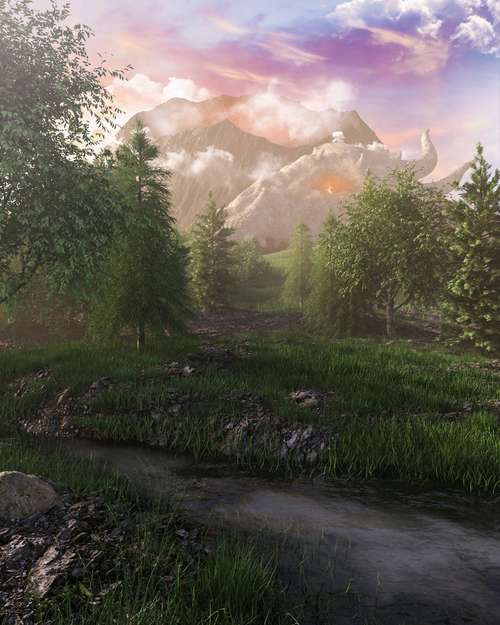
The wait is finally over. Hytale Early Access has officially launched today, January 13, 2026, opening the gates to the magical world of Orbis for millions of eager fans. After a tumultuous development journey and a massive community revival, Hypixel Studios has delivered a sandbox RPG that promises to redefine the genre. Whether you are looking to secure a rare global username, set up a dedicated server for friends, or simply survive your first night in Zone 1, this guide covers everything you need to know about how to play Hytale early access.
Choosing the Right Edition & Installation
Unlike traditional Steam releases, Hytale utilizes its own proprietary launcher to manage updates and mod compatibility. To get started, you must purchase one of the three available editions directly from the official website. Your choice depends largely on whether you want cosmetic flair or just core access.
- Standard Edition ($19.99): Grants full access to Exploration Mode, Creative Mode, and modding tools. Perfect for players who just want to jump in.
- Supporter Edition ($34.99): Includes everything in Standard, plus an exclusive "Vanguard" cape and a gold forum badge.
- Cursebreaker (Founder’s) Edition ($69.99): The ultimate package for super-fans, featuring a unique animated avatar frame, early access to future test branches, and a monthly allotment of cosmetic currency.
Once purchased, download the Hytale Launcher for Windows 10/11. Note that the game currently requires a 64-bit operating system and a minimum of a GTX 750 Ti, though a GTX 1060 or higher is recommended for smooth performance in dense biomes.
How to Reserve Your Unique Username
One of the most critical day-one tasks is Hytale username reservation. Unlike platforms that allow duplicate display names with discriminator tags (like Discord), Hytale usernames are unique, global identifiers. This means there can only be one "Steve" or "Alex" in the entire game.
Step-by-Step Reservation Process
Your username is locked to your Game Profile immediately upon purchase. Follow these steps to secure your handle:
- Log in to your account on the official Hytale website.
- Navigate to the "Game Profiles" section on the dashboard.
- Select "Create Profile" and enter your desired name (3-16 alphanumeric characters).
- Click "Check Availability." If valid, confirm immediately to lock it to your account.
Pro Tip: If you purchased the Founder's Edition, you can create up to three distinct Game Profiles, allowing you to reserve different names for roleplay or streaming purposes.
Beginner’s Walkthrough: Surviving Orbis
The Early Access build launches with Exploration Mode, a survival-adventure experience that drops you into a procedurally generated world known as Orbis. The world is divided into distinct "Zones," each with its own difficulty curve, resources, and enemies.
Understanding the Zones
You will spawn in Zone 1 (Emerald Grove), a lush, temperate region filled with forests and river valleys. It serves as the safest area to learn Hytale crafting recipes and combat mechanics. Your goal is to gather copper and iron to craft your first set of gear before venturing into Zone 2 (Howling Sands), a desert wasteland, or Zone 3 (Borea), a frozen tundra with unforgiving survival mechanics.
Important Note on World Generation: The current launch uses the "V1" generation engine. However, you may encounter shimmering "Gateways" during exploration. These are experimental portals that offer a glimpse into the upcoming "V2" terrain generation, which features taller mountains and deeper oceans. Keep an eye out for these rare anomalies!
Hytale Server Setup & Hosting
For those wanting to host a private world, Hytale server setup is more technical than standard peer-to-peer hosting. The dedicated server software is available within the launcher under the "Tools" tab. To run a lag-free server, your host machine needs high single-core CPU performance.
Technical Requirements:
- Java Runtime: You must have Java 25 (OpenJDK) installed. The server will not launch with older versions like Java 8 or 17.
- Ports: Forward UDP port 5520 (Hytale uses the QUIC protocol for low-latency networking, not TCP).
- Storage: An NVMe SSD is highly recommended to handle the fast chunk loading required by the engine.
Hytale vs Minecraft 2026: The Verdict
With the release finally here, the Hytale vs Minecraft 2026 debate is in full swing. While they share a blocky aesthetic, Hytale leans heavily into RPG elements. It offers structured progression, handcrafted dungeons, and a deeper combat system with dodging and stamina management. Minecraft remains the king of pure, unrestricted creative sandbox freedom.
Ultimately, Hytale feels less like a replacement and more like an evolution for players who wanted more purpose in their block-building adventures. Dive in today, claim your name, and start shaping your story in Orbis.